


Desertcart purchases this item on your behalf and handles shipping, customs, and support to India.
๐ Elevate Your Wi-Fi Game โ Coverage, Speed & Stability, All in One!
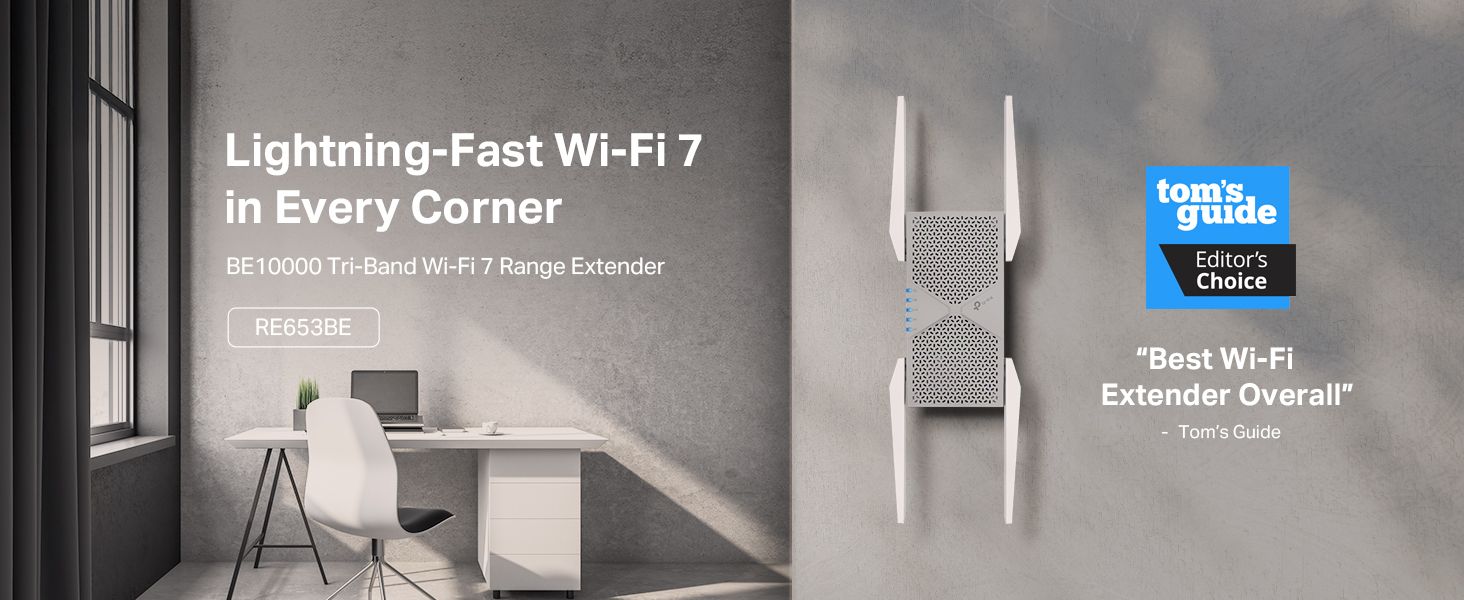
The TP-Link BE10000 RE653BE is a cutting-edge Wi-Fi 7 tri-band range extender featuring a 6 GHz band and ultra-wide 320 MHz channels, delivering up to 10 Gbps total bandwidth. It maximizes home coverage up to 2800 sq.ft with four high-gain antennas and supports 128 devices simultaneously. Equipped with Multi-Link Operation technology, EasyMesh compatibility, and a 2.5 Gbps Ethernet port, it ensures ultra-fast, low-latency connections ideal for 8K streaming, gaming, and smart home setups. Designed with advanced security protocols and easy setup via the Tether app, itโs the ultimate solution for professionals and families demanding seamless, future-proof Wi-Fi.


| ASIN | B0DXTMXKBL |
| Best Sellers Rank | #30 in Repeaters |
| Brand | TP-Link |
| Built-In Media | Quick Installation Guide, Wi-Fi 7 Range Extender RE655BE |
| Color | White |
| Compatible Devices | Router |
| Connector Type | RJ45 |
| Customer Reviews | 4.1 out of 5 stars 384 Reviews |
| Data Transfer Rate | 10000 megabits_per_second |
| Frequency | 6 GHz |
| Frequency Band Class | Tri-Band |
| Frequency Bands Supported | 6 GHz |
| Item Highlight | 10 Gbps Wireless Repeater, 2.5 Gbps Ethernet Port | Internet Signal Booster for Home, Up to 2800 sq ft, 128 Devices EasyMesh |
| Item Weight | 15.2 ounces |
| Manufacturer | TP-Link |
| Mfr Part Number | RE653BE |
| Model Number | RE653BE |
| Number of Items | 1 |
| Range | 258.06 square_meters |
| Special Feature | Access Point Mode, LED Indicator, MU-MIMO, Remote Access, WiFi Mesh |
| Special Features | Access Point Mode, LED Indicator, MU-MIMO, Remote Access, WiFi Mesh |
| UPC | 810142823630 |
| Unit Count | 1 Count |
| Warranty Description | 2 Year Manufacturer |
| Wireless Communication Standard | 802.11.be, 802.11abg, 802.11ac, 802.11ax, 802.11n |
| Wireless Compability | 802.11.be, 802.11abg, 802.11ac, 802.11ax, 802.11n |
C**D
Best WiFi repeater. The price is high but the quality is worth it.
This repeater is the only one that will actually work and work very good. Yes itโs a little costly, but the cheaper ones will not give you the speed that this does. They will stop working and you will have to buy another. The distance this amplifies the signal is amazing , itโs very easy to setup and allows you to repeat with triband capability. Itโs compatible with all of my devices , very fast and allows you to put the same or different passwords for each band type.
E**K
Great repeater!
Works as advertised. Getting about 2.7-3.7Gbps according to its status page, from where I have it stationed. The 2.5Gbps ethernet port works the same and runs the 2.5Gbps hub at full speed. Setup was pretty easy, however I did have issues on multiple occasions getting to the status page via the Tether App. Additionally, avoid binding it to your TP Link ID as it just never worked for me, and just use the local password. CON: This runs HOT to the touch. Ensure it is positioned in a spot with good air circulation.
M**K
TP-link extender
The TP-link WiFi 7 extender is a reliable and easy-to-use device. It seamlessly connects to my TP-link wired router, thanks to the straightforward tether app. Within about 30 seconds, the extender and router were connected, demonstrating their compatibility. As the latest tri-band model, this extender remains relevant as newer versions are released. Considering the additional cost, I believe itโs a worthwhile investment. While the speed is improved, there are still some areas in my house with connectivity issues. The directions suggest placing the extender in the middle of the router and in the spaces where connectivity is lacking. However, I didnโt use the feature that recommends the best location for connection. I might try that to see if it resolves the spotty areas. If it doesnโt, Iโll move the extender closer to our busiest spot. Our house is filled with smart devices that operate simultaneously, so I recommend this extender for its reliability and ease of use. However, I deducted a star for its limited coverage.
C**Y
Amazing WiFi
The TP-Link BE10000 Wi-Fi 7 Range Extender is an absolute revelation for anyone tired of spotty signals and buffering woesโitโs transformed my entire 2,500-square-foot home into a seamless Wi-Fi paradise with blistering tri-band speeds up to 10 Gbps that handle 4K streaming, gaming marathons, and a house full of smart devices without breaking a sweat. Setup via the intuitive Tether app was a breeze, syncing effortlessly with my existing router in under two minutes via WPS, and the four high-gain antennas with Beamforming tech blasted away dead zones, delivering rock-solid 6 GHz connections even through thick walls. The 2.5 Gbps Ethernet port is a lifesaver for wired setups, while EasyMesh compatibility means I can expand my network endlessly without hiccups. Sleek, compact, and future-proof for Wi-Fi 7โs low-latency magic like MLO, this powerhouse has me ditching my old extender for goodโTP-Link just redefined effortless, elite coverage!
|**|
Avoid - Causes continual reboots of the main router in mesh network
Does not work in EasyMesh setup with other TP-Link products. Initial setup was easy and everything was seemingly up and running quickly with this added as another node in my network. However, within minutes the main router (GE800) began rebooting. I figured there must be a firmware update. Updated this extender, no updates for the main router, updated my other satellite (BE800) in the mesh network. Time to try again....same result. I went into the main router DHCP settings and reserved a specific IP for the extender thinking that maybe there was a conflict being created. Restarts all around and time to try again. Same result. I saw various online reports of similar issues when enabling MLO, MU-MIMO, and other settings. Tried everything. Same result - within minutes of connecting this extender to my network the main router reboots and continues to reboot over and over every few minutes. Now I have the extender unplugged and just taking up space as a paper weight. Without the extender as a new mesh node my network is very stable with no issues. I have had good luck with TP-Link products in the past, but this one misses the mark and doesn't feel like it was ready for release and doesn't play nice in existing networks. I'd avoid this one for now until new firmware is released that fixes the issues.
H**H
Extends Wifi7 as it says it should.
For the people wondering what the deal is, 5GHz Wifi (Wifi 6 and below) and 6GHz (Wifi 7) signals weaken the further away you go from the router, esp. through a wall or 2. To maintain the connection, your devices speed is throttled. For my situation, I choose the extender instead of mesh. I like to unplug it when it's not being used. My router is ~25ft away from the living room. 5GHz signal is about 1/2 to 3/4. 6GHz is < 1/2. This extender brings both up to max strength and the speed is also noticeably improved. Set up takes a bit if you have a TP-Link router (I do) because you have to use the app to add it to your network. Doing that once is all it takes. I can move it to any plug in the house if I want. 1 more thing. TP Link has Easy Mesh and One Mesh. This Wifi7 Extender has Easy Mesh and will allow device settings changes within the app and does all the meshy stuff. Can't do that with the One Mesh on an Easy Mesh setup.
F**L
Surprisingly Not Difficult to Set Up
If you're like me, you've tried a fair number of extenders and found they were all torture to setup, nowhere nearly as easy as the manufacturers proposed. I'm Thankful this was, in fact, easy to setup. While it had a couple "getting started" problems, they were minor and not enough for me to lower its rating. This is expensive but the cheaper TP Link 10000 WiFi 6, the one just below it, likely works the same if you don't need such broad range.
D**4
Easy Set up, but disappointed with performance
I'll give it a 3. Quick and Easy setup and it does show some promise. I purchased this to upgrade from my other unit. It was supposed to have a higher speed. Who doesn't want a few more MBPS. I can connect my computer to the SOURCE router via WIFI and get >220Mbps download/upload. I have the other repeater BE3200 and it would get to ~170-180, lost a few %. But worked great. When I used a cable to connect my computer to the BE3200, I could get close to the 220Mbps. The BE100000 unit shows in the specs that it has higher speed. When I connected this unit to the SOURCE router via WIFI, and used a ethernet cable to connect my computer to this repeater, I could get the 200Mbps. BUT when I set up to connect via the WIFI (5G) through the BE10000, the speed dropped to ~120Mbps. I tried various points within the condo, etc., and a few setting changes, but could never get more speed to even match my old unit. I am not sure why, but maybe due to the way it may want to fine tune itself using a MESH strategy? I am now happy with my other even though it loses ~10-15% speed via WIFI connections; some loss is expected. I was hoping that I could get closer to the 200 value. Maybe may have to try another brand.
Trustpilot
1 month ago
2 months ago